

Preset Visualizer
Free browser report

Turn a preset XML file into a visual report.

Drop in a Dante Controller preset XML file and generate a clean, shareable view of devices, subscriptions, and device-to-device audio routes.
Local XML parsing No account required Light/dark mode
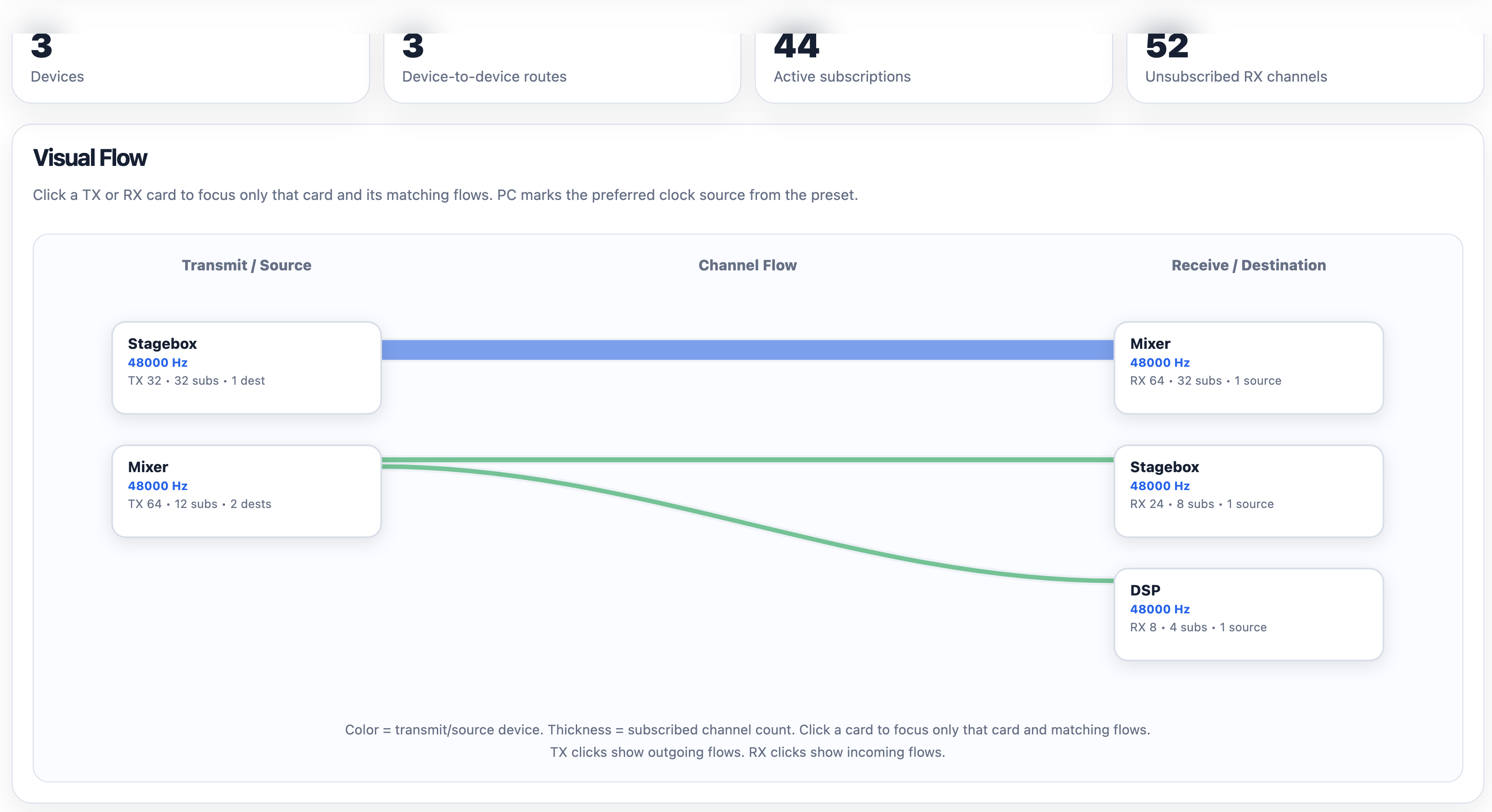
Light report preview
Screenshot of the Preset Visualizer report showing Report Metrics and a Visual Flow diagram.
Report Metrics + Visual Flow generated from a preset XML file.
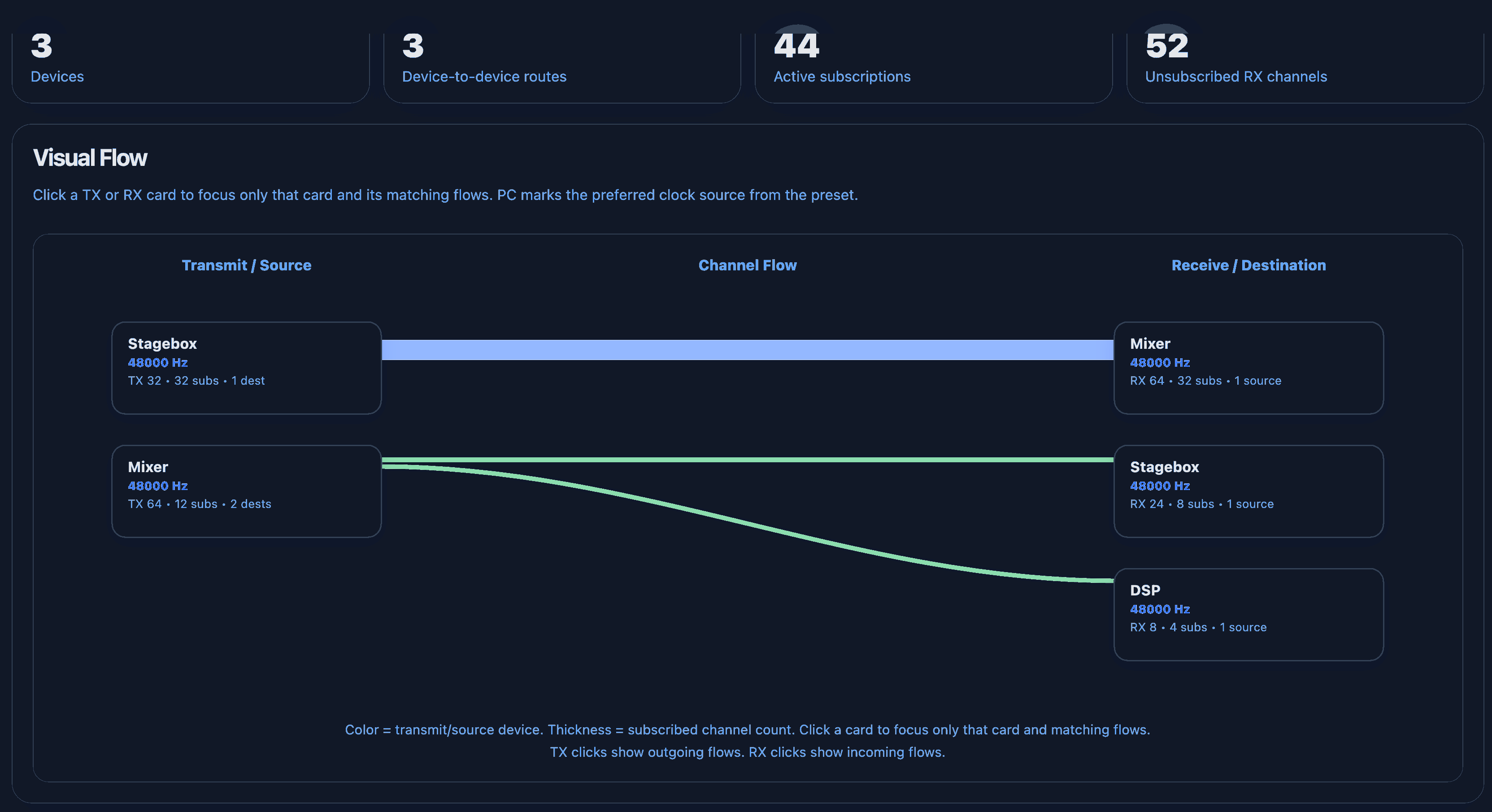
Dark mode preview
Dark mode preview of a Preset Visualizer report using the app dark theme colors.
Same report workflow shown with a dark preview treatment.

Built for quick Dante device understanding.

Start with the report pieces that matter most when you need to explain what is connected to what.

01

Report Metrics

See devices, routes, active subscriptions, and unsubscribed RX channels immediately.

02

Visual Flow

Interactive view of the devices and their connections.

03

Route Summary

Get a clean device-to-device table showing channel counts between devices.

Privacy-first by design

Your preset stays in your browser.

Parses the XML locally on your computer. This keeps the reporting simple, fast, and safe for even your most confidential setups.

No upload requiredThe selected XML is read by the browser.
No account requiredGenerate a report without signing in.
Local report exportExport interactive HTML or print reports.
Upgrade to Pro

Free for quick visibility. Pro for finished deliverables.

Pro focuses on polished exports, and deeper reporting and access to new features first.

Free

  • Report Metrics
  • Interactive Visual Flow
  • Route Summary
  • Light/dark mode

Pro

  • All Free features
  • Clock & audio format details
  • Dante device list
  • Channel subscriptions
  • Full commissioning report
  • Visual Flow groups
  • Selected and group exports

Compare Add-On

  • Compare two preset XML files
  • Added and removed devices
  • Added and removed routes
  • Changed routes
  • Comparison Visual Flow
Try it now

Create a report

Choose a preset XML file and generate a report. You can edit the generated report title directly in the report.

Current plan
Free
Beta access

Unlock Pro

Approved testers can enable Pro report sections on this browser. Compare Presets becomes available after Pro is unlocked.

Enter an approved beta code to unlock Pro features on this browser.

Drag your XML file here or click to choose a file Report generates automatically after selection.

Local-only processing: this page reads the XML in your browser, nothing is uploaded.